Every draw in the world, made fair!
Fair Draw UniPicker
UniPicker is open public software dedicated to draws,
letting anyone run a fair draw with ease.
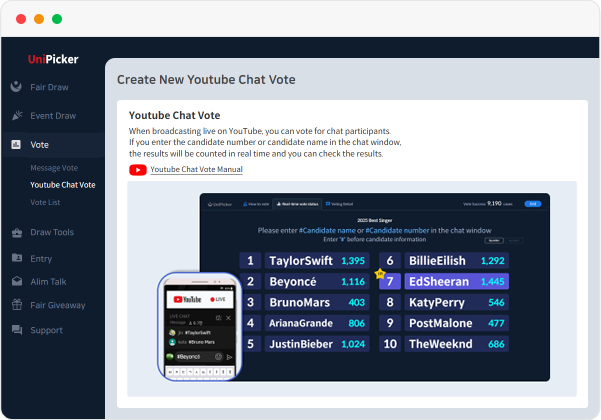
The UniPicker White Paper on Fair Drawing
Learn how electronic drawing works, step by step, from UniPicker 5.0's principles to implementation.
Step-by-Step Curriculum
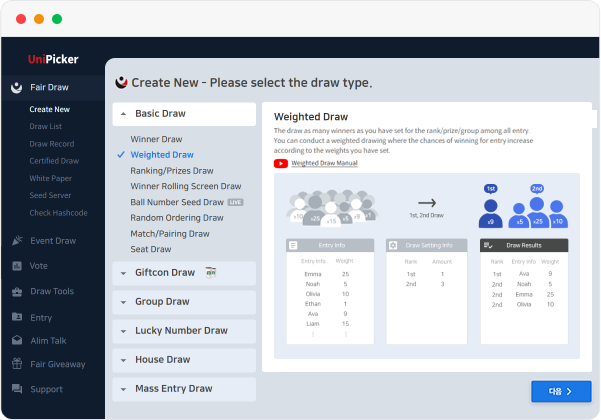
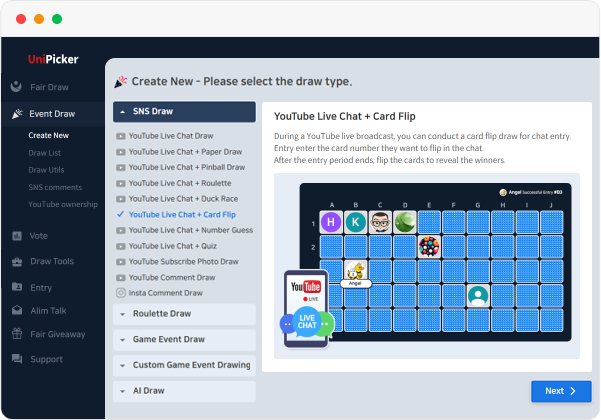
Various Draw Types
UniPicker Fair Draw System

Public Randomness Sources
Random number generation using public
external sources such as Drand and NIST.

Operates a Public Seed Server
Check seed records issued by the
public seed server in real time.

Screen Recording & Certificate
Records the draw screen and issues
a draw certificate afterward.

Draw Record
Discloses the drawer's draw history to
prevent duplicate draws per account.

Certified Draw
Issues a unique code ensuring the draw
is unique among all UniPicker draws.

Draw Verification
Reproduces the result by verifying the
random seed and original draw file.
Draw Agency Service for a Fair Draw
A third-party draw method in which a professional UniPicker manager conducts the draw on your behalf. (Paid)
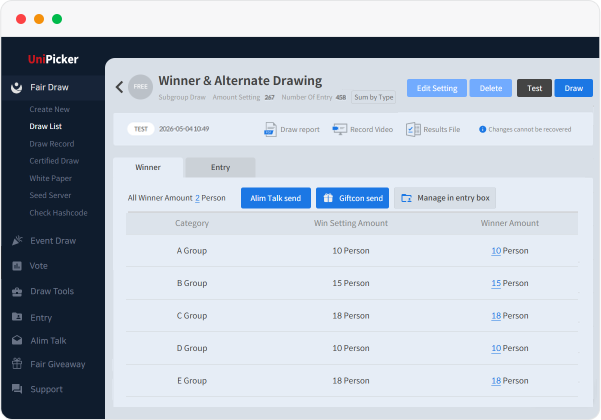
After the draw, we provide a certificate, a recorded draw video, and an Excel file of the draw results that guarantee a fair draw.
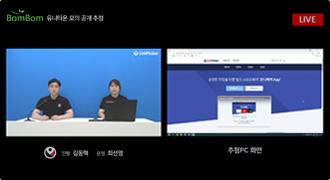
YouTube Live Public Draw
The draw is conducted at the UniPicker studio
and streamed live on YouTube.
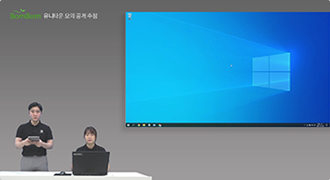
On-Site Public Draw
A UniPicker draw manager visits the site
and conducts a public draw.
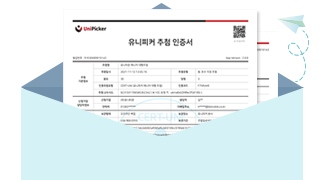
Manager Proxy Draw
Draw manager runs the proxy draw,
then emails the result files.
Featured Use Cases
Seoul City Hall Seoul-Type Daycare
Pilot Selection Draw
Suwon/Gwangju/Seoul Southern District Courts
Trial Observation Draw
Korea Sale Festa
Winner Draw
Jeju Energy Corporation
Home Solar Power Program Draw
Paldo Bibimmyeon "Find the Junho Photo Card"
Fan Signing Entry Winner Draw
CGV Treats You! "Manimani"
Event Prize Winner Draw
Seoul Eunpyeong New Town The Etre The First
Public-Support Private Rental Tenant Draw
Gunsan New Station Area Halla Vivaldi Centro
Unit Selection Order Public Draw
ACRO Seoul Forest
Unsold Units Winner Draw
Busan Eco Delta Smart Village
Resident Selection Draw
Kumho Tire 60th Anniversary
CHALLENGE WEEK Winner Draw
Cleantopia 3,000th Store Celebration
Event Winner Draw
Seongnam Dandae-dong Happy Housing
Document Submission Candidate Draw
Gyeongbuk Provincial Office New City
Negotiated Transferor Land Lot Draw
Daegu Urban Corporation
National Rental Housing Sales Draw
Gangwon Jeongseon-gun Happy Housing
Resident Draw
Samsung Galaxy
Z Flip Thom Browne Edition
Daekyo Eye Level
Event Winner Draw
Coca-Cola Purchase Proof Photo
Event Winner Draw
CJ ONE Wonderful Point Day
Event Winner Draw
Hillstate Prugio Juan
Unsold Units Draw
Mudeungsan Xi & Eoullim
Random Unsold Units Draw
Daelim Doma e-Pyeonhansesang
Unsold Units Draw
Bupyeong Doosan We've The Park
Unsold Units Draw
Hanshin The Hue Reserve II
Subscription System & Unsold Units Draw
Songdo SK VIEW Central
Unsold Units Draw
Gwacheon Centreville
Subscription System & Unsold Units Draw
Raemian Bucheon
Urban Vista Unsold Units Draw
How-to-Use Inquiry
For other inquiries, please use the Inquiry Board or
UniPicker Software > Login > 1:1 Inquiry.